




Professional LED lights and control system experts.
Founded in 1999, ENTTEC are industry pioneers and leaders in the design and manufacture of LED lights and control systems. Known for our technical innovation and also strict adherence to international safety standards, our products are proudly made in Australia.
Our revolutionary lighting control equipment and software is used and trusted around the world by top lighting designers, architects, theatres, broadcast studios, musicians and many other industry professionals.
Designed for optimum compatibility, ENTTEC devices work seamlessly with those from other popular brands. Furthermore, our use of industry-standard protocols and platforms such as DMX, Art-Net, and sACN help keep things easy for installers.
With a wide range of state-of-the-art products, ENTTEC can provide a complete end-to-end solution for any installation, big or small. Talk to us today, and discover how we can help take your lighting project to the next level.


Precision engineered + proudly made in Australia.
Be the first to hear about our latest projects and technologies:
Our lighting innovations will illuminate your dreams.
Where do I start?
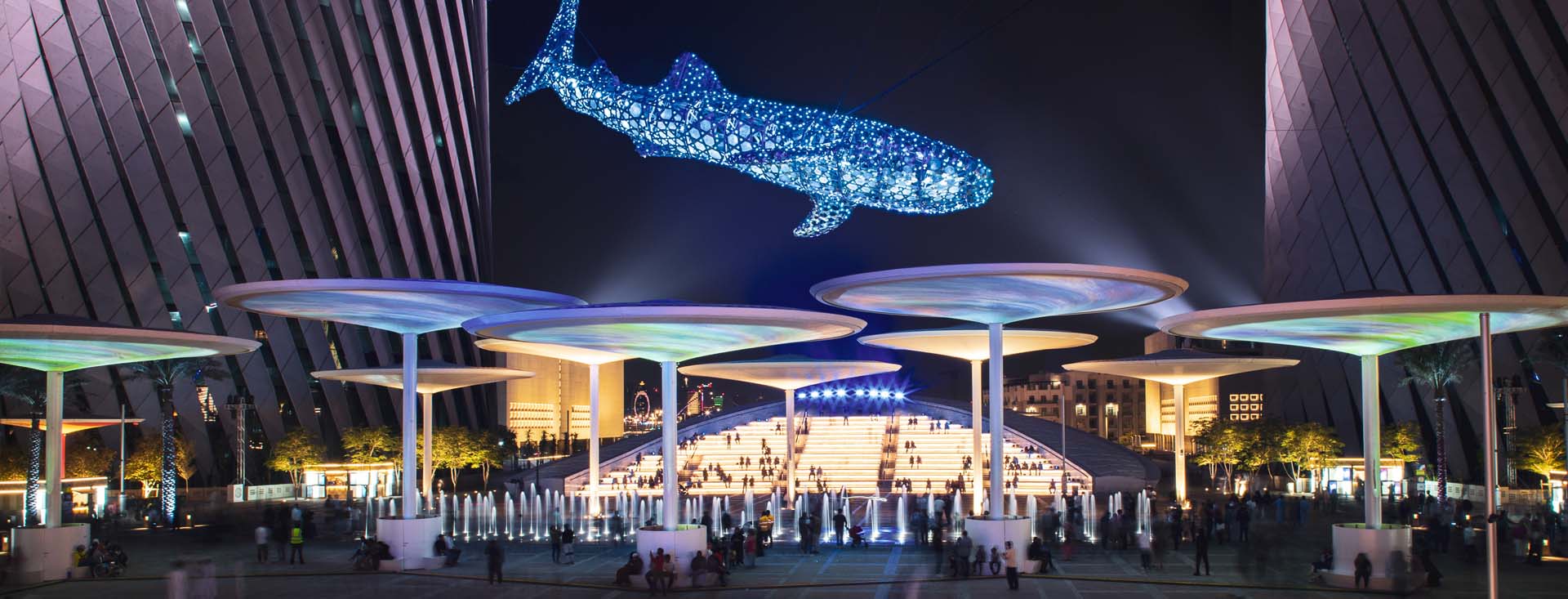
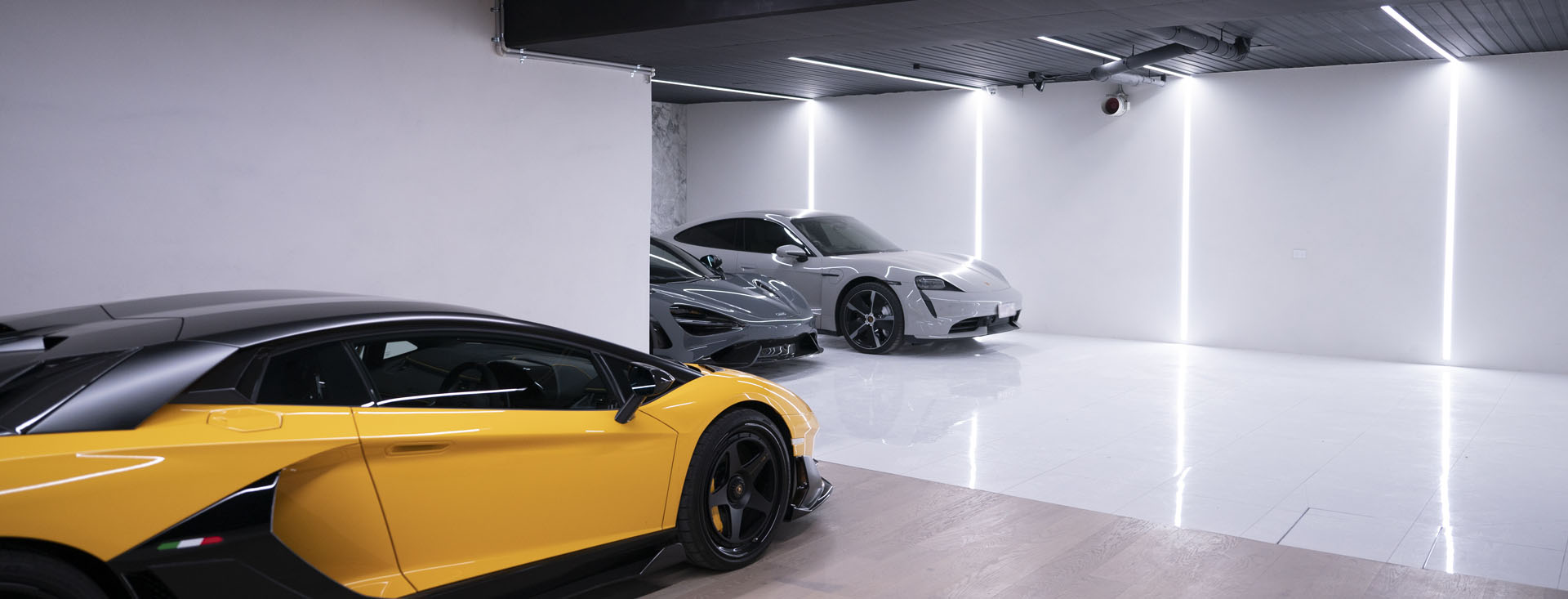
If you’re new to the world of LED and pixel light control, be sure to check out some of our recent projects. Many talented creators from around the world have built some amazing installations using our gear. As a result, you’ll pick up some great ideas here.
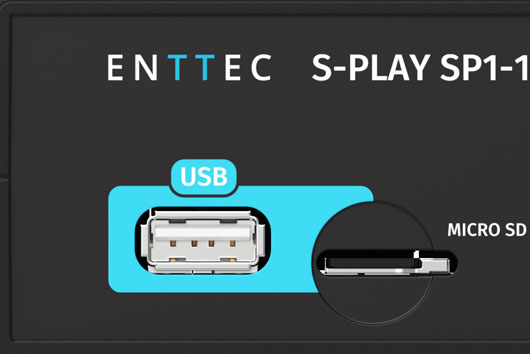
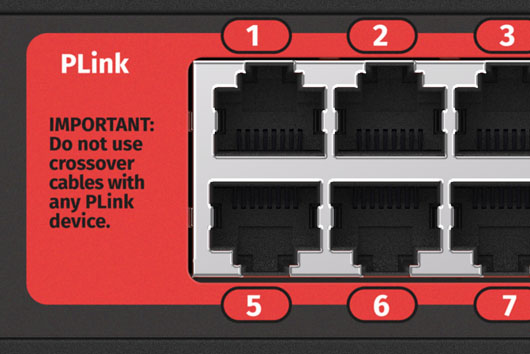
Next, take a trip through our product categories to learn about the different ENTTEC innovations available to help your project. You can also discover more about many of these products on our YouTube channel.
Finally, have a look HERE and see how we offer a variety of true end-to-end solutions specifically designed to make life easy for you.
Of course, you’re more than welcome to talk to us as well!
We understand that the world of lighting control can often seem a little daunting at first. Therefore, our friendly experts are always here to help you with valuable tips and technical advice, especially if you haven’t had much previous experience with lighting design. Likewise, if you need us to, we can also guide you step-by-step through the planning of your lighting installation. Too easy!

We’re here to help.
At ENTTEC, we take great pride in the personal, hands-on approach that we bring to our customers. Whether you’re dealing with LED lights and control systems for a football stadium or your spare bedroom … if it’s important to you, then it’s important to us.